Sixteen product shelves, annotated for shipping
The catalogue side of this site: product cards grouped by what you wear, carry and plug in, each linking to a seller's listing you can buy through MyCNBox.
- Shelves
- 16 categories, one of them a keyword search
- Prices
- Yuan, as each seller lists them
- Platforms
- Taobao, Tmall, 1688 and Weidian links (help 99, 103)
- Notes
- Shipping and sizing, with help article numbers
Inside a MyCNBox Spreadsheet shelf
Think of each shelf as a window onto a marketplace. The MyCNBox Spreadsheet is the catalogue: product cards sorted by category, each with the seller's photo, a short title, a yuan price and a link out to the original listing on Taobao, Tmall, Weidian or 1688. Nothing is sold here. The cards exist to let you browse by category, rather than wrestle with a Chinese-language marketplace search, then take the one link you want to an agent.
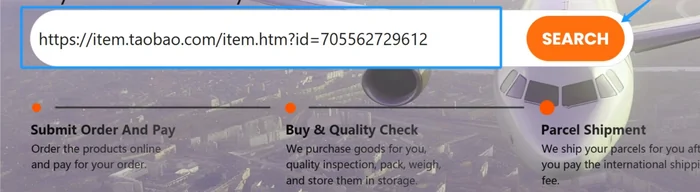
With MyCNBox, that last part is short. Help article 99 describes the whole route in three moves: choose a product link, send it to MyCNBox, and let the warehouse consolidate your items into one parcel for your overseas address. In practice the link goes into the bar across the top of mycnbox.com, which is the first picture in the official desktop guide (help article 103).
Sixteen categories and their travel notes
The notes under each card are about what happens after you have chosen: how the item travels, which sizing table applies, or which help article to read first. Prices and stock change on the seller's side every day, so the cards never quote either.
 Womenswear Search resultsA keyword search rather than a fixed shelf. Size tops and trousers against the women's tables on the sellers and sizes page.
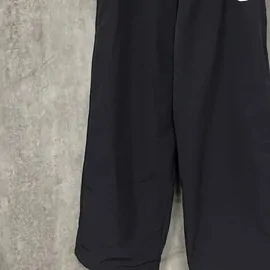 Joggers and sweatpants CategorySoft and light. Folded flat they add little volume to a parcel, which matters on lines that bill by size.
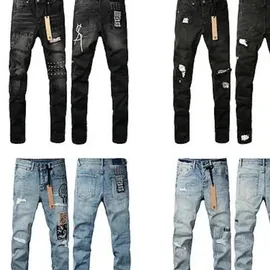 Denim CategoryThe official trouser table warns that non-stretch denim can feel snug and suggests going up between sizes.
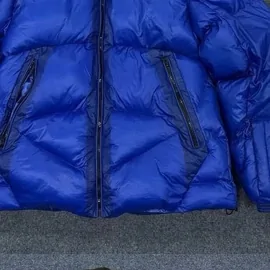 Coats and jackets CategoryPuffers are bulky. Some lines charge by size rather than weight, using L × W × H ÷ 6,000 in centimetres (help 47).
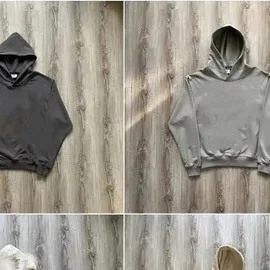 Hoodies and zip-ups CategoryThe help centre's hoodie table suggests one size up if you want a baggy fit.
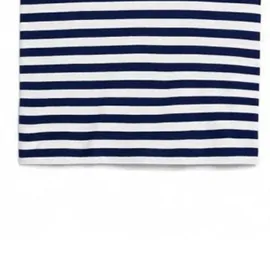 Tees CategoryAsian sizing runs small. The help centre's tip: if you wear a US M, look at a CN L.
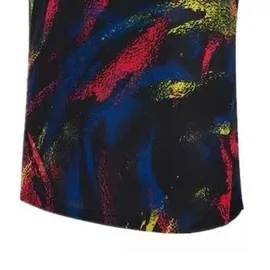 Football shirts CategoryBuying several from one link? By default only one unit is photographed at the warehouse (help 157).
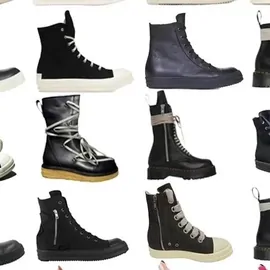 Trainers and boots CategoryShoe boxes add size. Removing them is one of the packing add-ons MyCNBox lists (help 40).
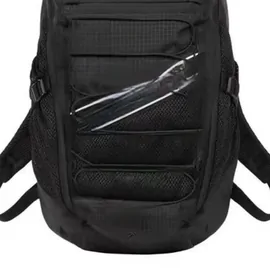 Rucksacks and bags CategoryFour standard QC photos per item. Extra angles need Detailed Photography, chosen at checkout (help 32).
 Caps and beanies CategoryHelp 47 puts hats beside coats and shoes as light but bulky: on lines that bill by size, they count for more than they weigh.
 Belts CategoryLengths are usually listed in centimetres. Measure a belt you own from the buckle to the hole you use.
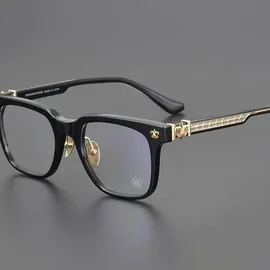 Glasses and sunglasses CategoryFrames travel fine. Lens prescriptions are a question for the seller, not the warehouse.
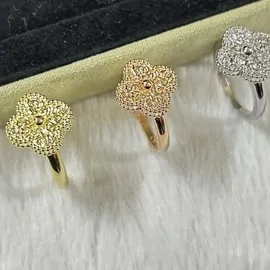 Rings and chains CategoryAsk the seller for the inner diameter in millimetres before you order a ring.
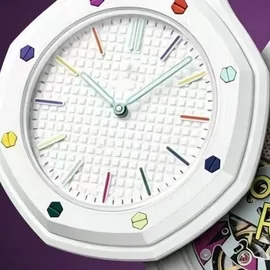 Watches CategoryQuartz watches hold a battery, and anything with a battery ships by a dearer special channel (help 23).
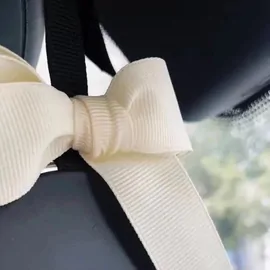 Fragrance CategoryLiquids are on the limited list: MyCNBox asks you to consult customer service before ordering (help 101).
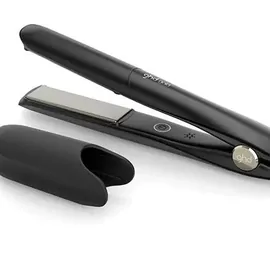 Gadgets and small electricals CategoryAnything with a battery needs a special channel at a higher shipping cost (help 23).
Two shelves deserve a second look before you fill a basket. Fragrance and anything with a battery sit on MyCNBox's restricted lists: liquids need a word with customer service before ordering, and battery items go by a special channel that costs more. The no-go list has the full picture.
Check the listing first, copy the link second
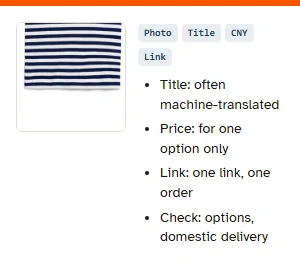
A card gives you four things: a photo, a title, a yuan price and the link. The photo and title are the seller's, often machine-translated, so a title that names a material or a size range is a claim to check on the listing, not a promise.
Open the listing before copying anything. Look at the option names (colour and size are usually separate pickers), the price for the exact option you want, and whether the seller charges domestic delivery. MyCNBox pays the price shown on the link at the moment of purchase, and it cannot apply a discount you agreed in a chat (help article 94). One link becomes one order with its own domestic delivery fee, even when two items come from the same shop (help article 27).
Delivery notes, dates and tested links
Most catalogues stop at the card. Ours carries a note about the delivery end, because that is where MyCNBox's rules bite: the billing match, the overseas-only rule, the battery and liquid restrictions, the courier's remote list. Every note cites the help article it comes from, so you can check us against the source.
We also date things. The help centre was read on 9 and again on 10 November 2026, and the date sits at the top of every page. Category links are tested before each update, so a dead link does not sit on a shelf for weeks. What we do not do is rank sellers, invent prices or tell you how a particular item will pass customs: nobody outside the parcel knows that.
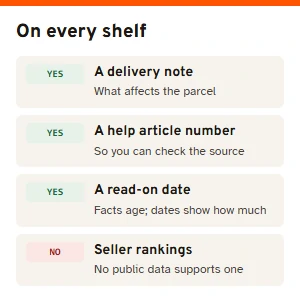
Signs of upkeep on a catalogue site
Here is how to judge whether a spreadsheet site, ours among them, is being kept up. It takes a couple of minutes:
- Dates you can see. A page that names the day its facts were read is easier to trust than one that never mentions time.
- Category links that land on products. Open three shelves at random. Empty results or a 404 means nobody has checked for a while.
- Agent rules as well as links. A catalogue that tells you nothing about the agent's address, payment or return rules leaves the expensive mistakes to you.
- Plain words about money. Somewhere it should say how the site is paid. Ours is on the editorial notes page.
- No miracle claims. Promises about customs, guaranteed delivery or a seller being the original factory are invented. Close the tab.